Modern Hebrew UI
Real RTL, Hebrew copy, and English in some apps — without feeling like a forced translation.
Desktop
Stable desktop applications with a modern UI, a proper installer, and Hebrew / English support.
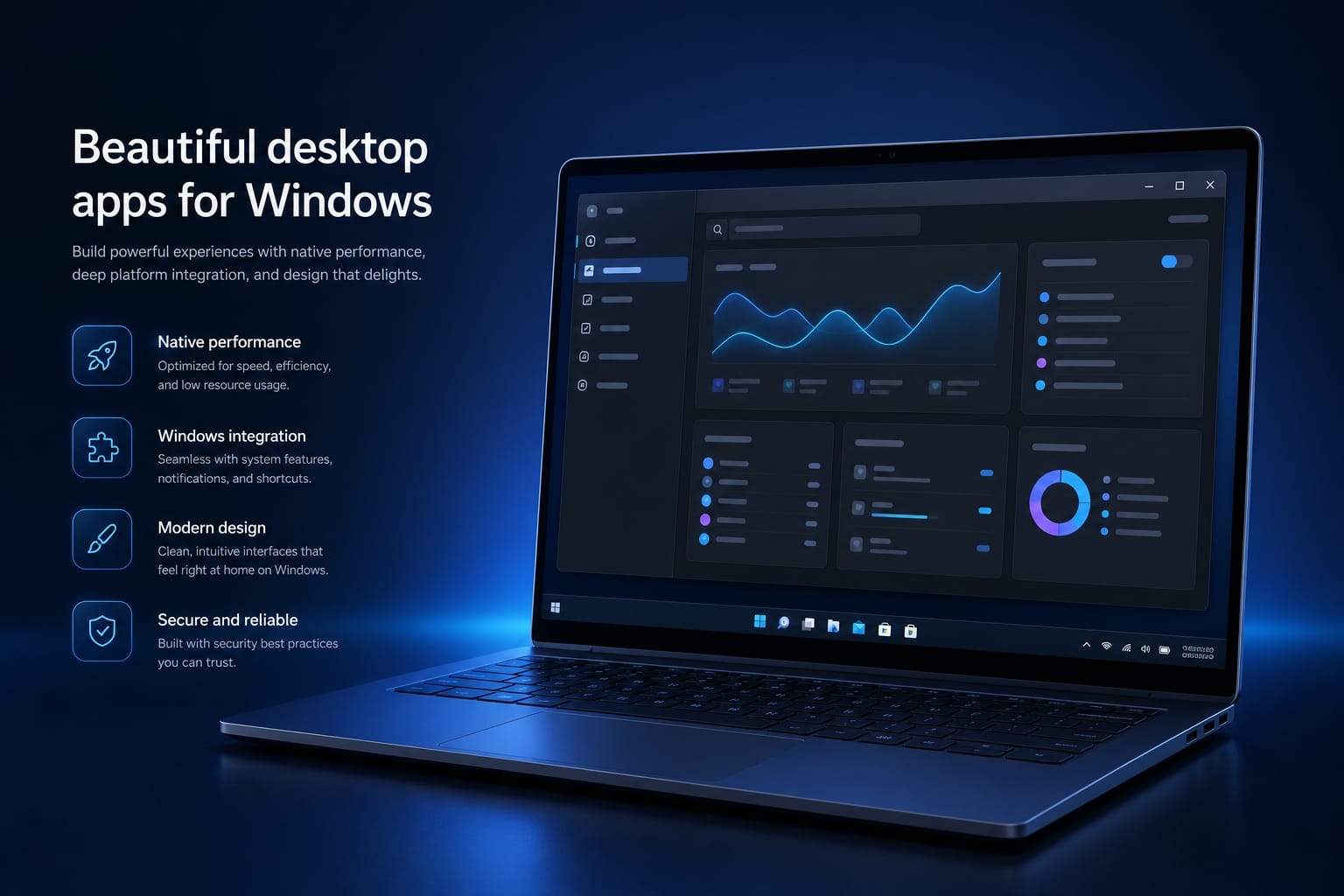
Desktop software runs on the computer itself — fast, available without a browser, and able to work with local files, the system tray, and Windows notifications.
We build Windows apps with a clear Hebrew (RTL) UI, simple installation, and updates. Some tools are free to download, and we can also build a custom tool for your business.
The same standard repeats in every product: a comfortable UI, stable performance, and behavior that fits daily use — not just a demo.
A solid base for every Windows app we publish or build to order.
Real RTL, Hebrew copy, and English in some apps — without feeling like a forced translation.
A proper installer, WebView2 when needed, and a system tray with Windows toasts for background work.
Data on your machine, structured settings, and secret protection (such as DPAPI) when passwords are stored.
Fits an internal org tool or personal use — with a focus on easy start and long-term maintenance.
Seven ready Windows apps — the same standard for UI, installers, and reliability.
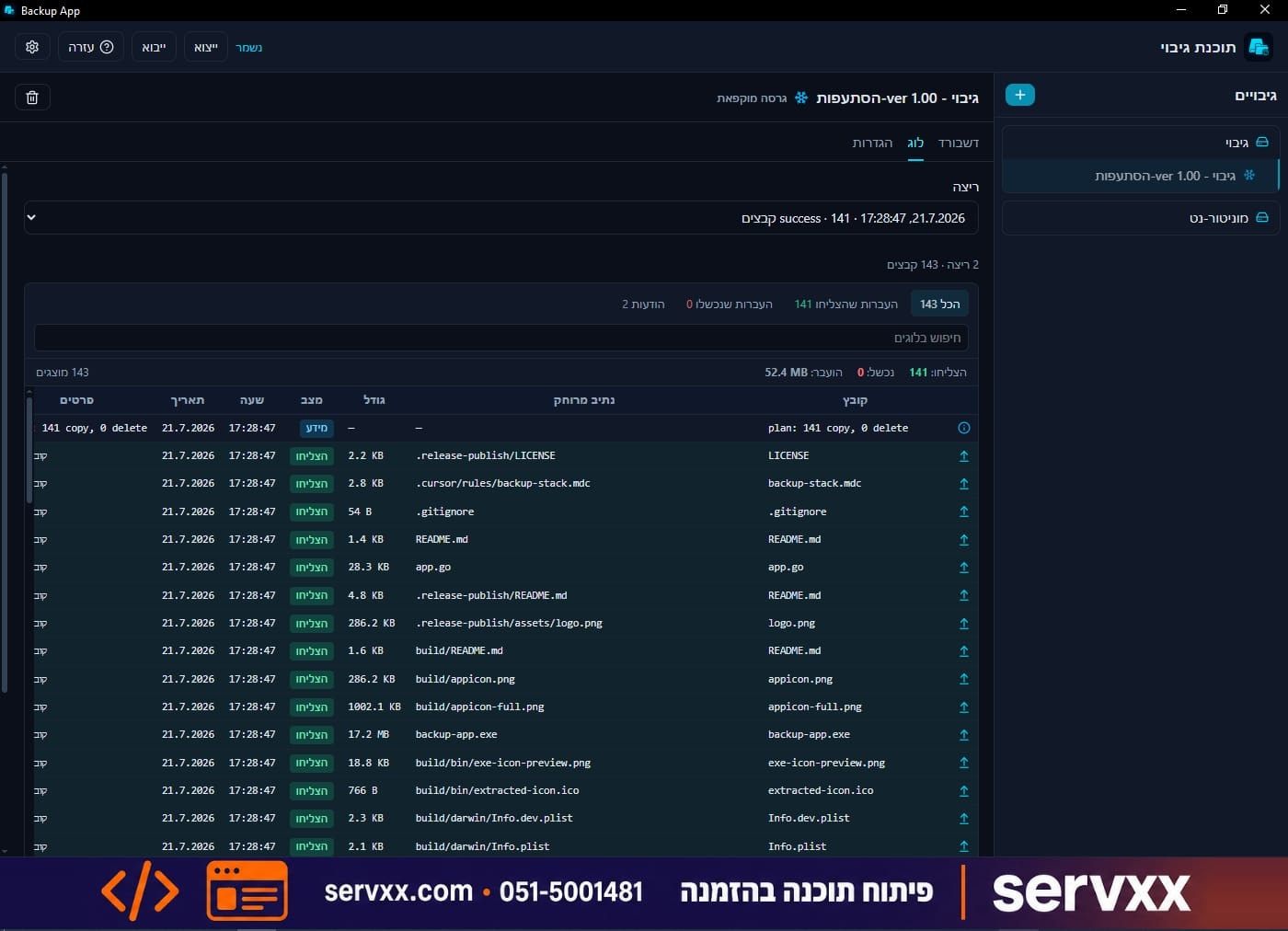
Mirror backup to local and SFTP targets, with scheduling, tray, and toasts.
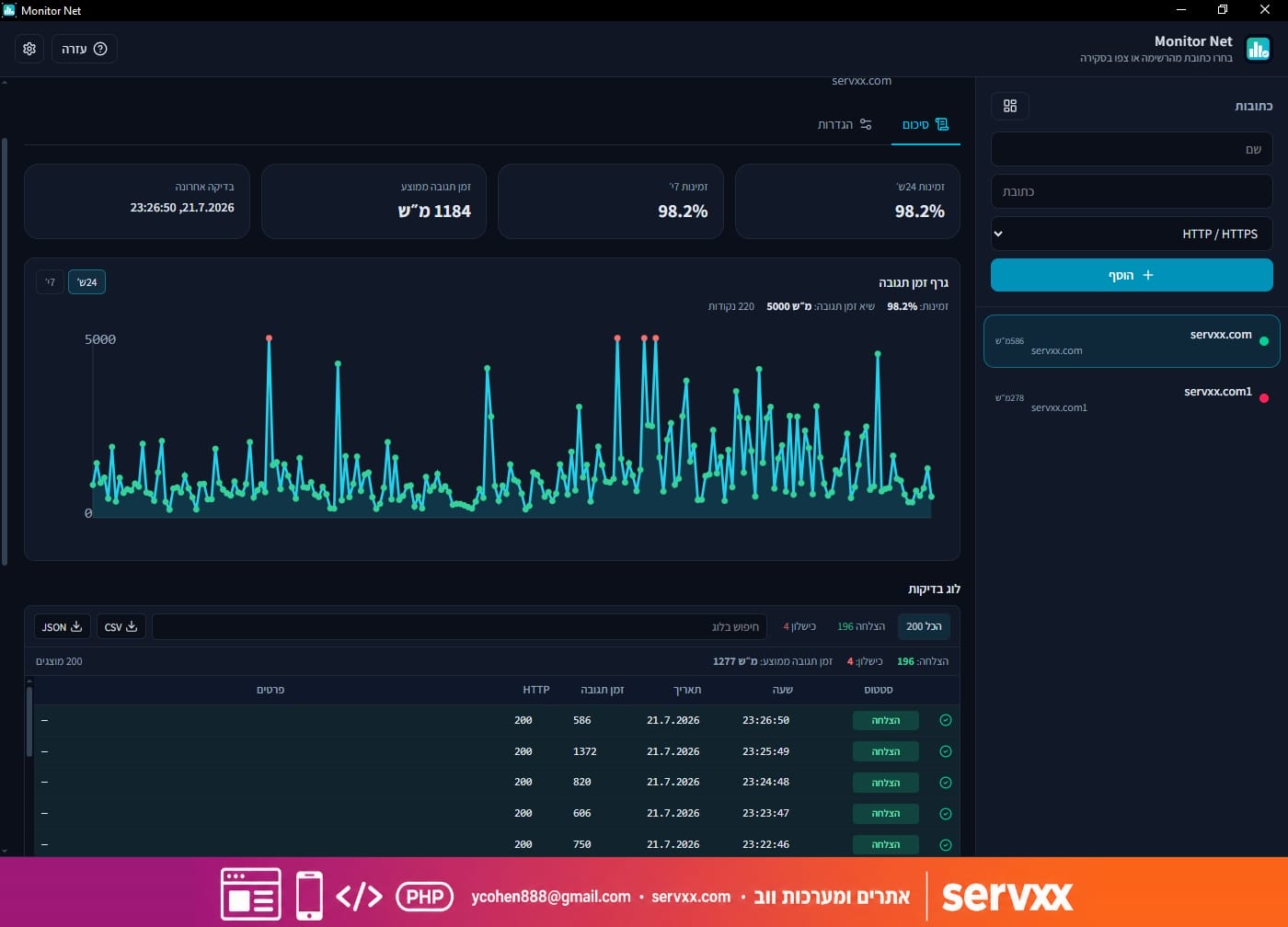
HTTP and TCP monitoring with Windows and email alerts when a host goes down.
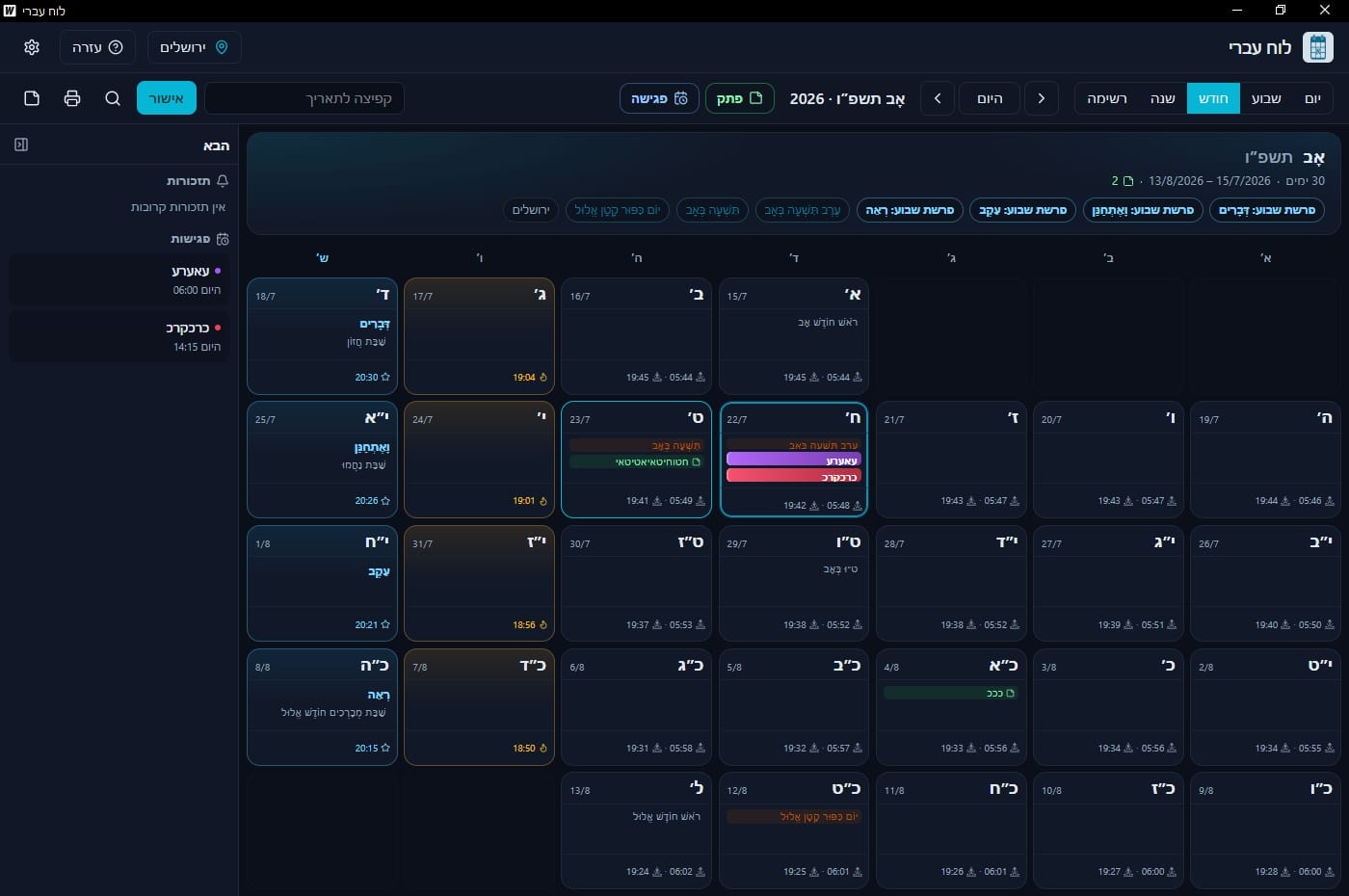
Hebrew calendar first: holidays, Shabbat times, notes, and meetings.
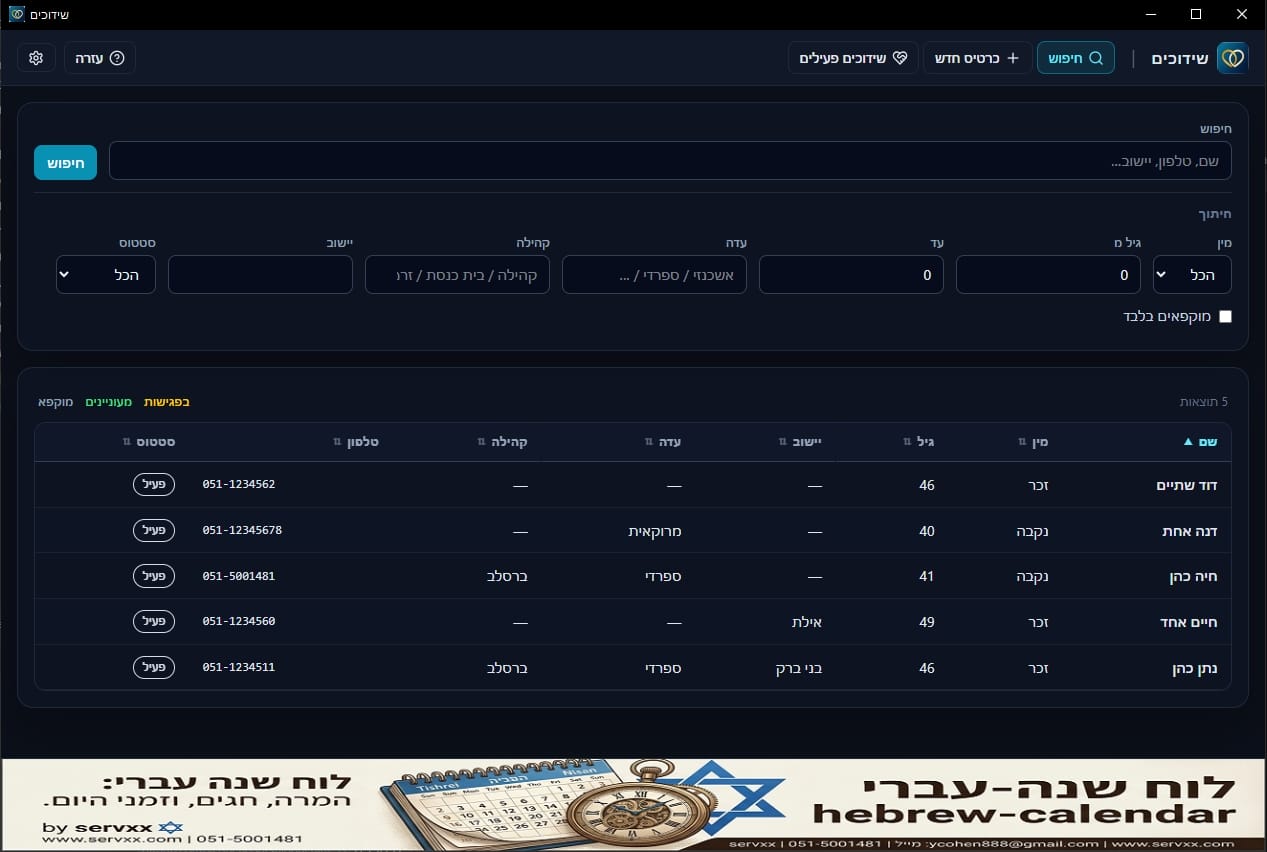
Matchmaker desktop app: cards, matches, meetings, and site sync.
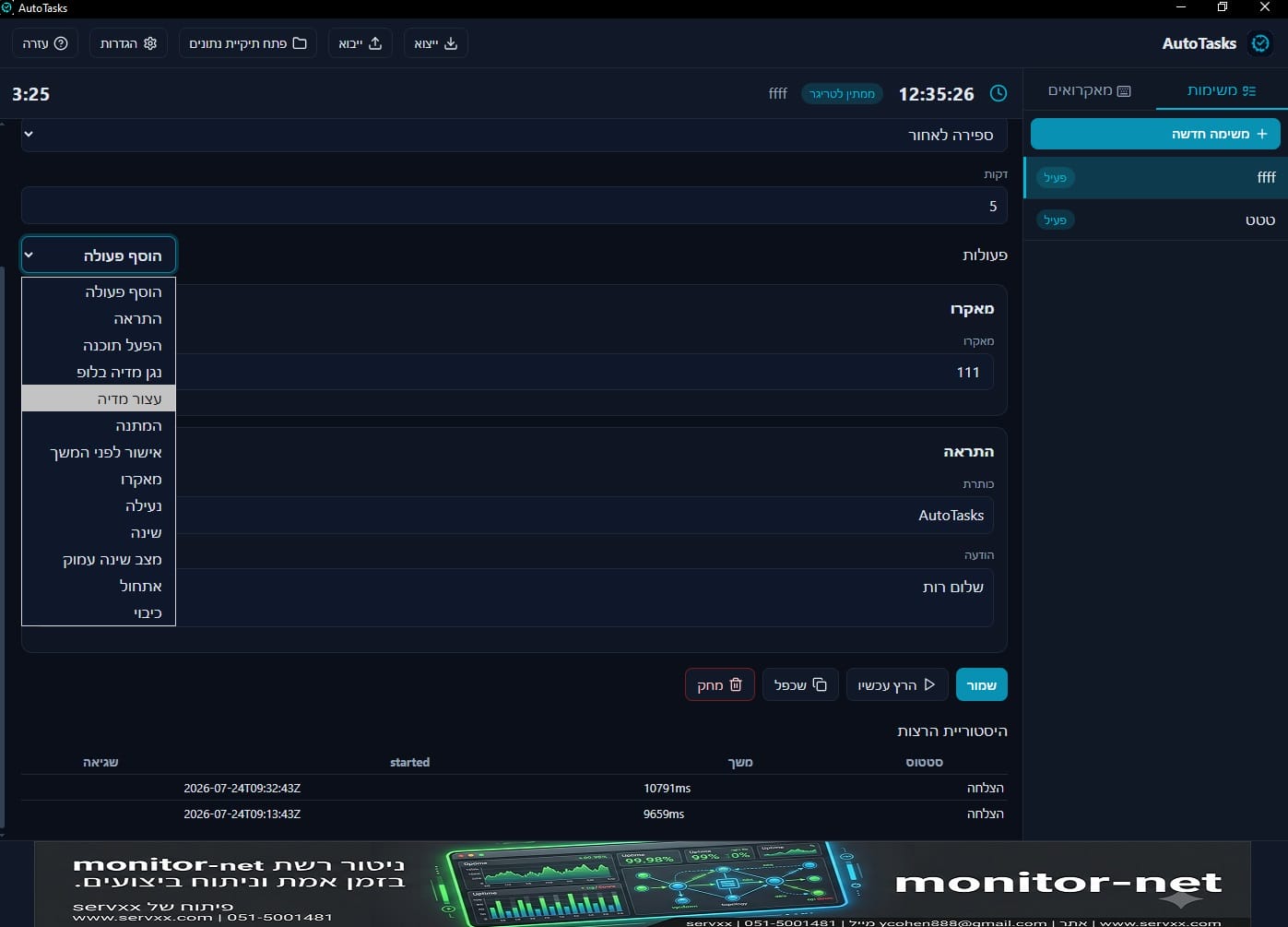
Automation: triggers, actions, macros, and schedules.
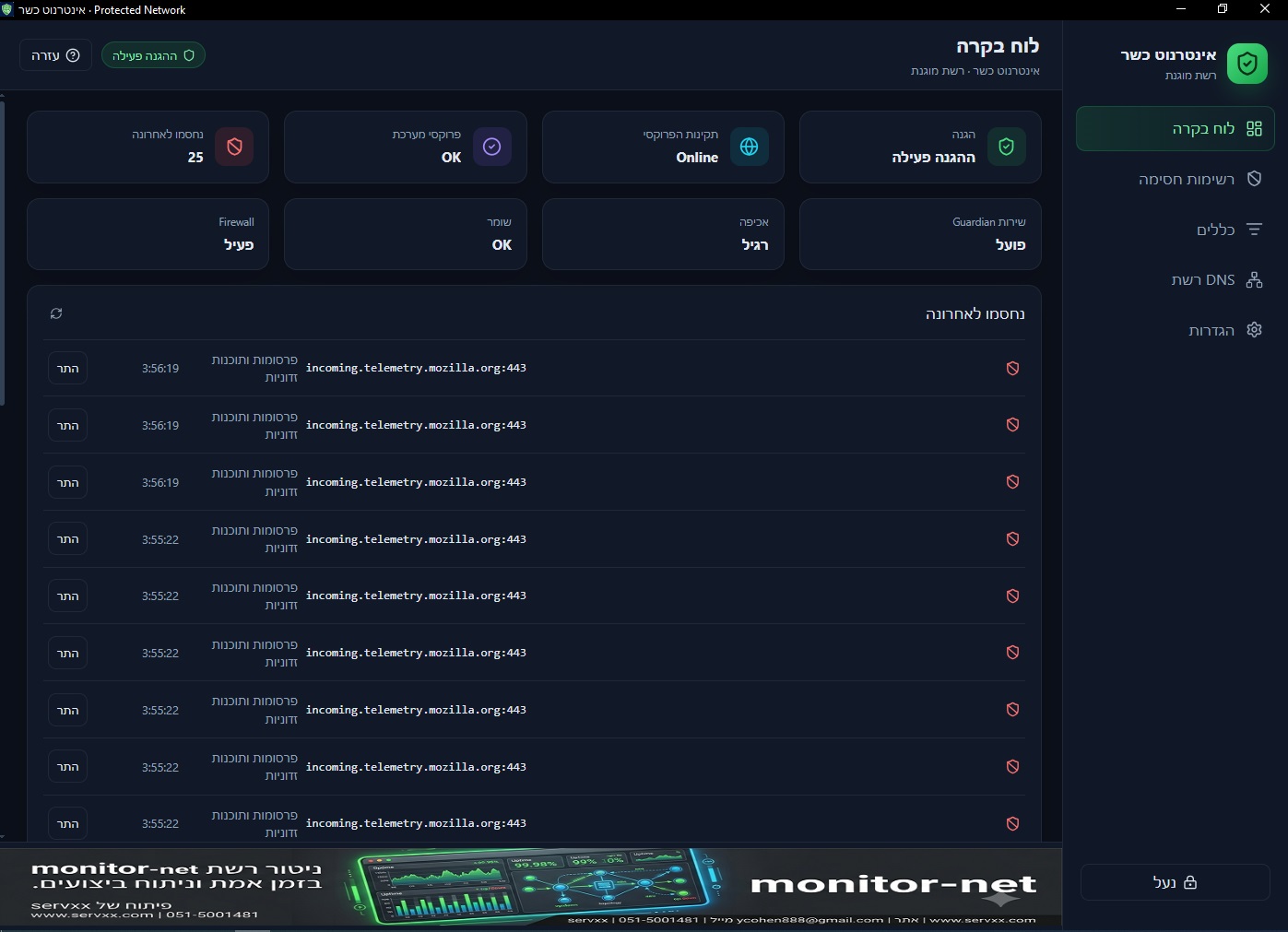
Protected network for home and business: block immodest sites, and YouTube/news by choice.
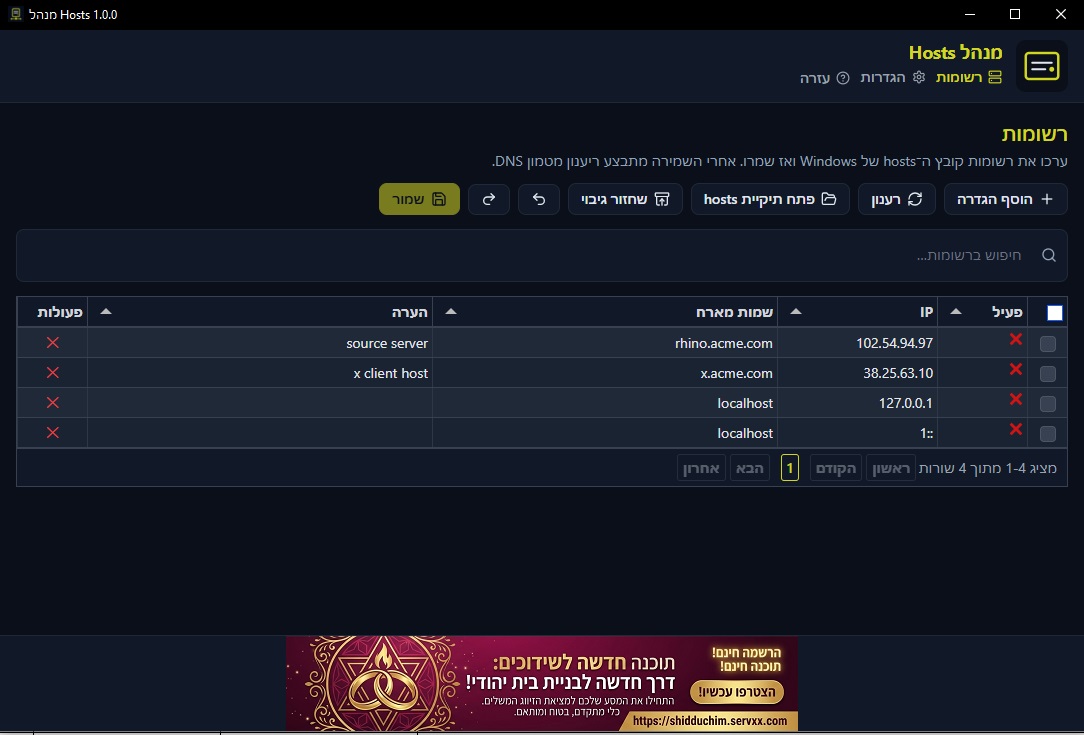
Manage the Windows hosts file in a table — edit, save, and flush DNS.
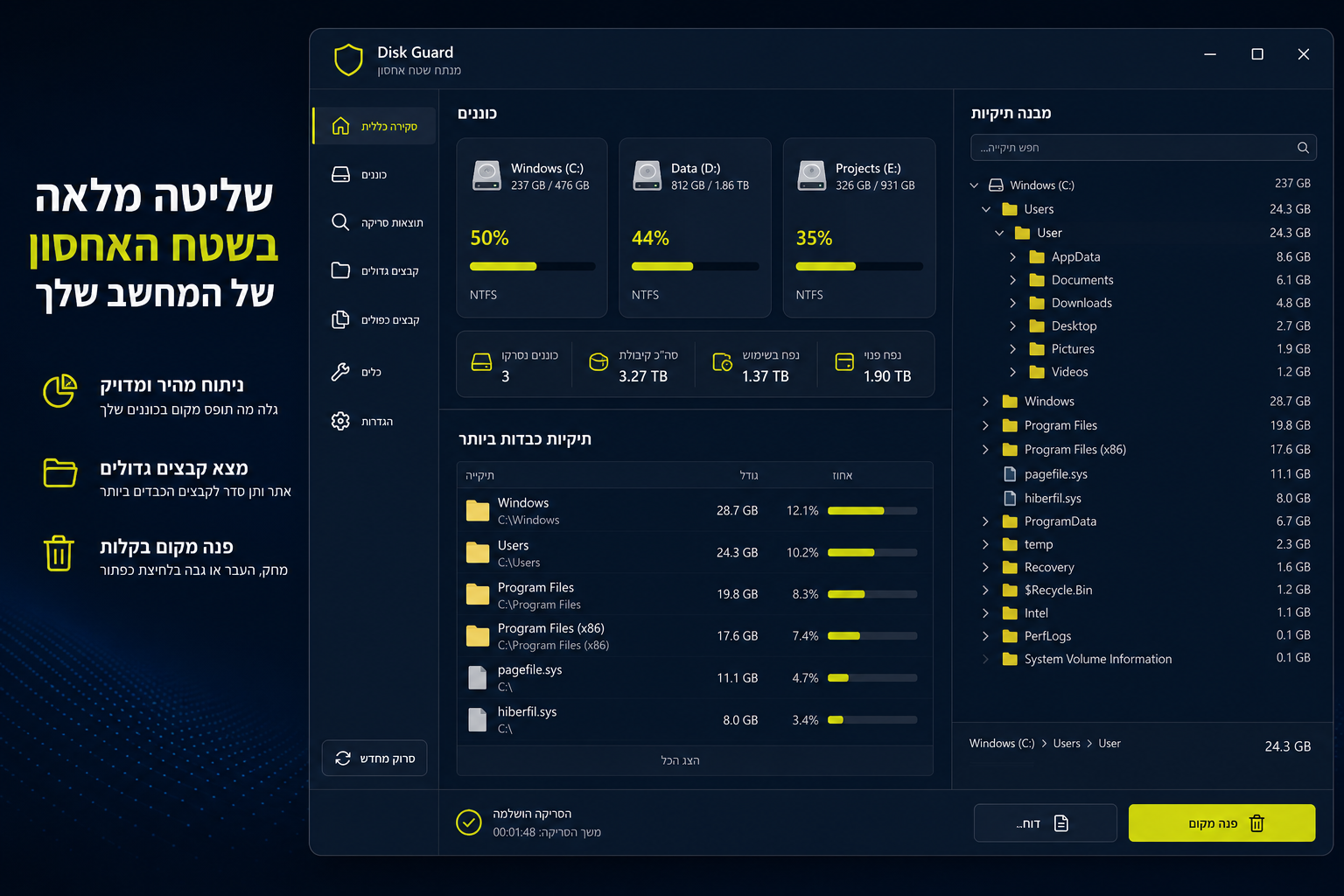
Disk monitor: scan, heaviest folders, and delete to the Recycle Bin.
A professional Windows backup tool — free to download, and a clear example of how we build desktop products.
Backup App shows what a finished product looks like: clear settings, background runs, logs, and a quiet daily workflow. Download and start within minutes.
Sync by size and modification time, with optional SHA-256 verification to confirm files arrived intact.
Local and SFTP destinations, automatic scheduling, system tray, and Windows toasts for progress and status.
Hebrew (RTL) and English UI, with passwords protected by Windows DPAPI.
Beyond the free tools — we also build Windows apps tailored to your business.
The same capability builds internal tools: UI, logic, installer, and updates. Connect to an existing web server, import/export data, or stay fully local.
Repeating daily workflows — data entry, reports, folder sync, or employee-facing UIs.
When you need APIs, user sign-in, or sync with an existing web system.
Installer, shortcuts, system tray, and versions you can update in an orderly way.
When a Windows app is better than a browser-only solution.
Comfortable work with folders, disks, and internal network paths — without browser limits.
Scheduling, system tray, and notifications — even when the window is closed.
Fast launch, keyboard shortcuts, and a experience that feels like real software on the PC.
Start from the real need and arrive at a ready installer.
Define users, screens, files, and workflows that must run smoothly.
Build UI, logic, and installer — and test on real Windows machines.
Ship an installer, collect feedback, and improve in later versions.
Download a free tool to get a feel for the quality, or tell us about a custom app for your business.