Downloads AutoTasks
AutoTasks — desktop automation and tasks
Schedule desktop tasks with triggers, action sequences, macros, a live upcoming list, and system tray — in Hebrew and English.
- Windows 10/11 (64-bit)
- Hebrew · English
- Free to download
What is it?
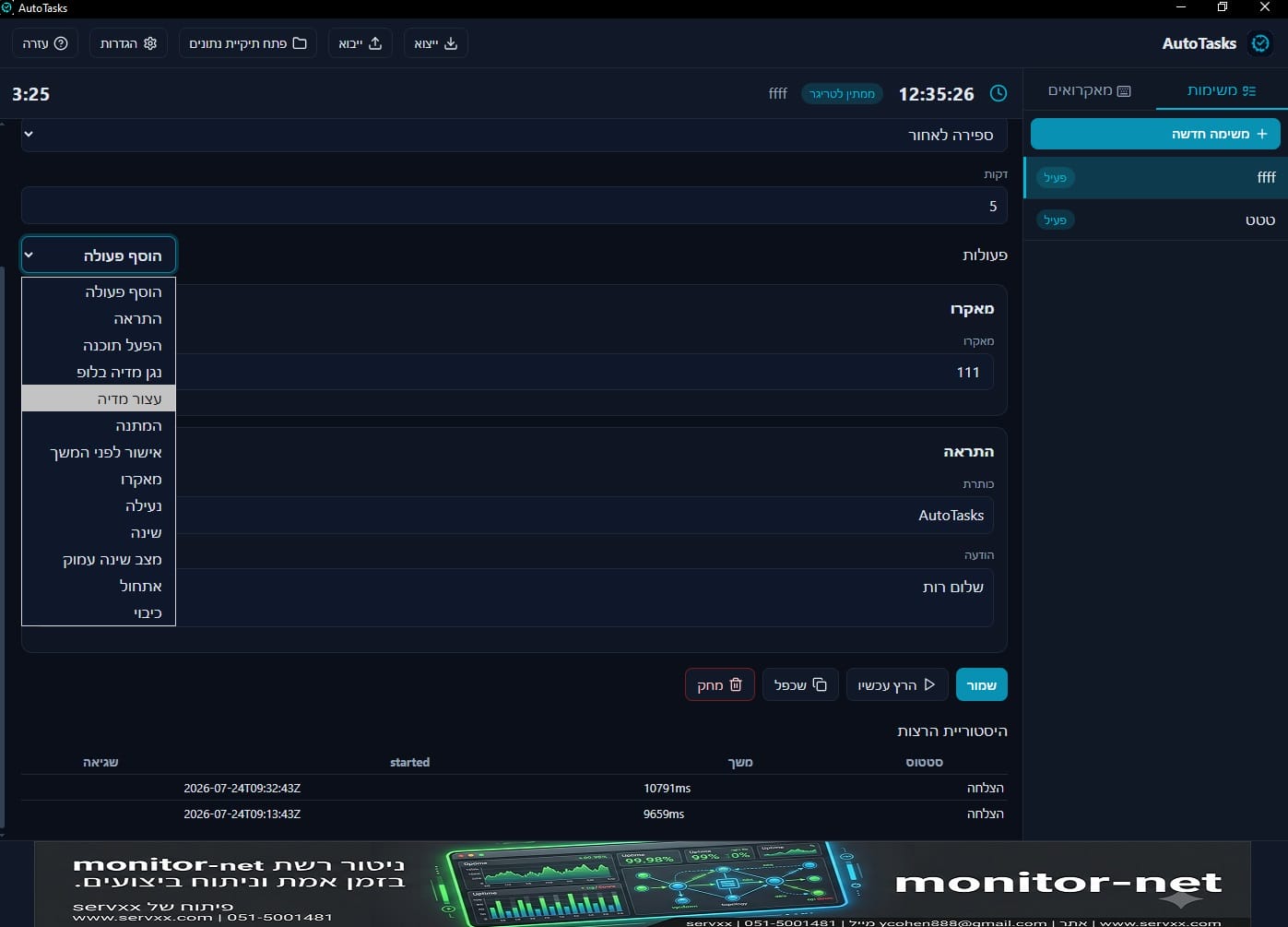
AutoTasks is a Windows automation app: define tasks with a trigger (time, date, files, USB, lock screen, and more) and a sequence of actions — notify, launch apps, macros, shutdown/reboot, and more.
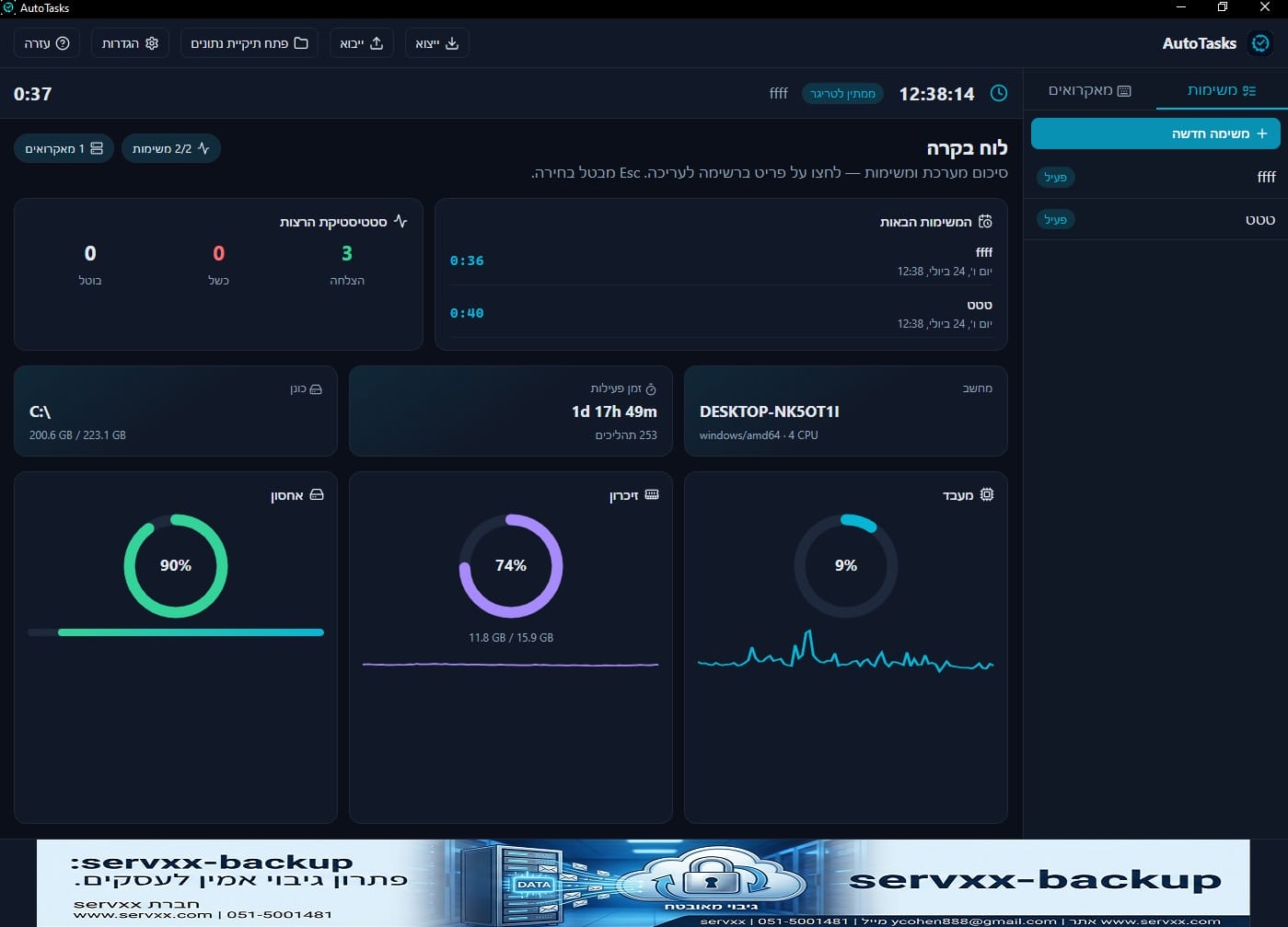
The dashboard shows upcoming tasks with a live countdown, run history, and tray support. Safe mode (encrypted password) blocks sensitive system actions without authentication.
Key features
-
Triggers
Daily time with weekdays, date/time, countdown, and process exit.
-
Advanced triggers
Watch a folder for files, USB / network change, lock and unlock screen.
-
Actions
Notification, launch app, media loop, macro, wait, and confirm-before-shutdown.
-
System actions
Lock, sleep, hibernate, reboot, and shutdown.
-
Macros
Smart recording, playback speed, window-relative coordinates, and event editor.
-
Schedule
Upcoming tasks with live countdown and run history.
-
Safe mode
DPAPI password that blocks system actions without verification.
-
Backup and tray
Daily DB backup, JSON export/import, and minimize to tray.
Screenshots
Quick start
- 1. Click New task and give it a clear name.
- 2. Pick a trigger — for example daily time + weekdays.
- 3. Add actions in order; before shutdown, use a confirm action.
- 4. Save and mark Active — follow upcoming tasks on the dashboard.
- 5. Optional: record a macro and add it as an action in a task.
Tips
- Test a new task with a notification before shutdown or reboot actions.
- Enable safe mode if other people use the PC.
- Export keeps a backup of tasks and macros in one file.
- Please do not use on Shabbat or Yom Tov.
Requirements and data
- Windows 10 or 11, 64-bit · WebView2 (installed automatically if missing)
- Please do not use on Shabbat or Yom Tov
Settings, database, and macros live under %AppData%\AutoTasks\
Ready to automate?
Download the installer from GitHub Releases and run it.