
Web software
Management systems, sites, plugins, and APIs on PHP and MySQL, with tailored UIs and bilingual support.
- Admin panels and content systems
- Plugins: files, messaging, SMS, Telegram, and PBX
- APIs and WebSockets for real-time use

Web, desktop, and smart home — design, build, and maintain to one standard.
servxx
We build tailored systems: web apps and admin panels, solid Windows desktop tools, and IoT devices with remote control — with Hebrew support, accessibility, and long-term maintenance in mind.
servxx builds end-to-end software systems — from idea to install and support. Work spans web development, Windows desktop apps, and smart hardware (ESP32 and touch panels) when the project needs it.
Alongside custom projects we publish professional downloadable tools: backup, network monitoring, a Hebrew calendar, matchmaking, automation, Internot Kasher, Hosts Manager, and Disk Guard. The same capabilities used in client work are also available as ready apps.
The goal is simple: a clear interface, reliable behavior, and Hebrew (RTL) plus English when needed — without cutting corners on quality or long-term maintenance.
One professional standard — across three complementary domains.
Management systems, sites, plugins, and APIs on PHP and MySQL, with tailored UIs and bilingual support.
Professional Windows apps — proper installers, modern UI, and Hebrew / English support.
ESP32, touch screens, and server-side control — hardware and software speaking the same language.
Eight ready-to-download apps — the same standard for UI, installers, and reliability.
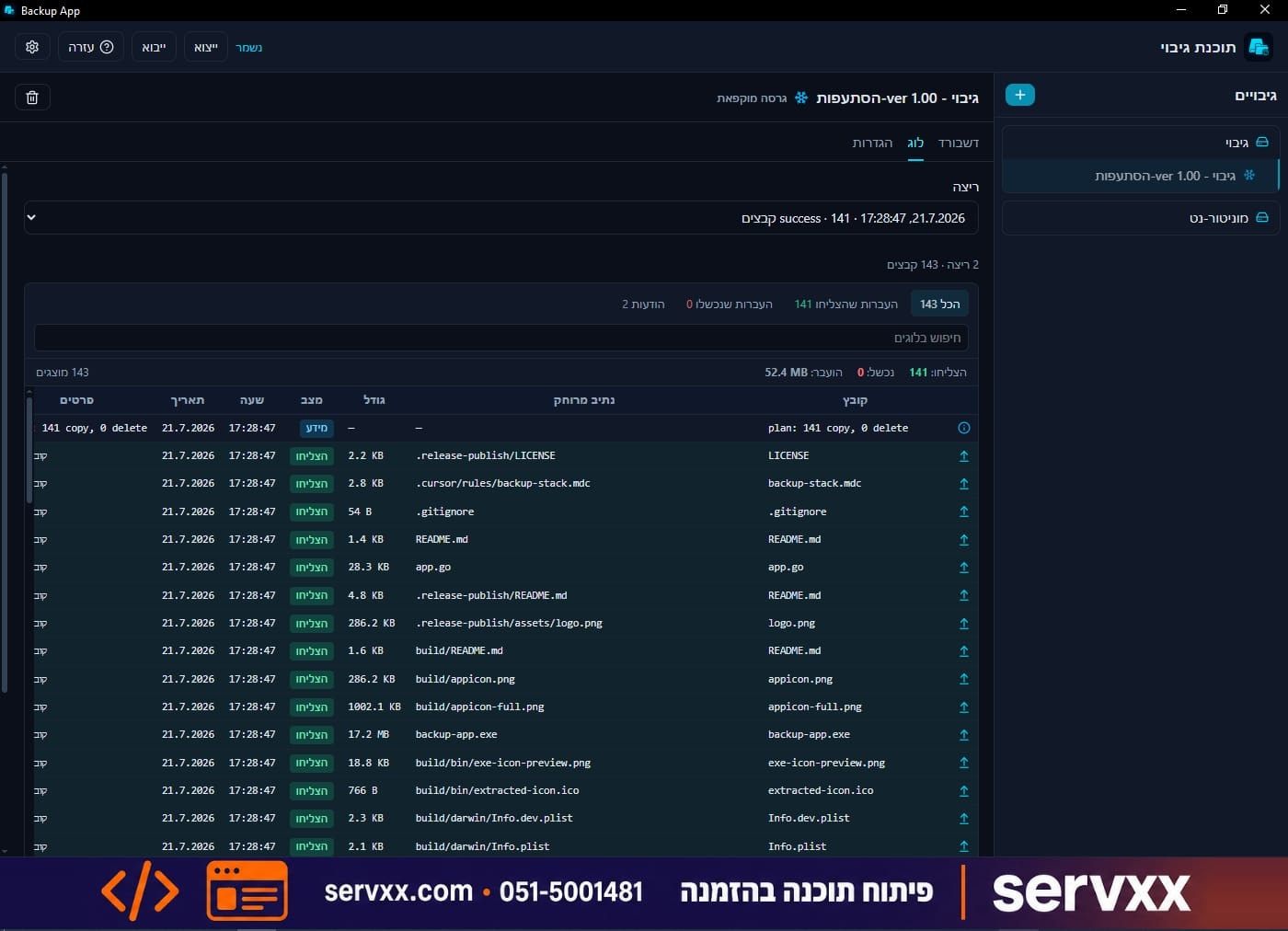
Mirror backup to local and SFTP targets, with scheduling, tray, and toasts.
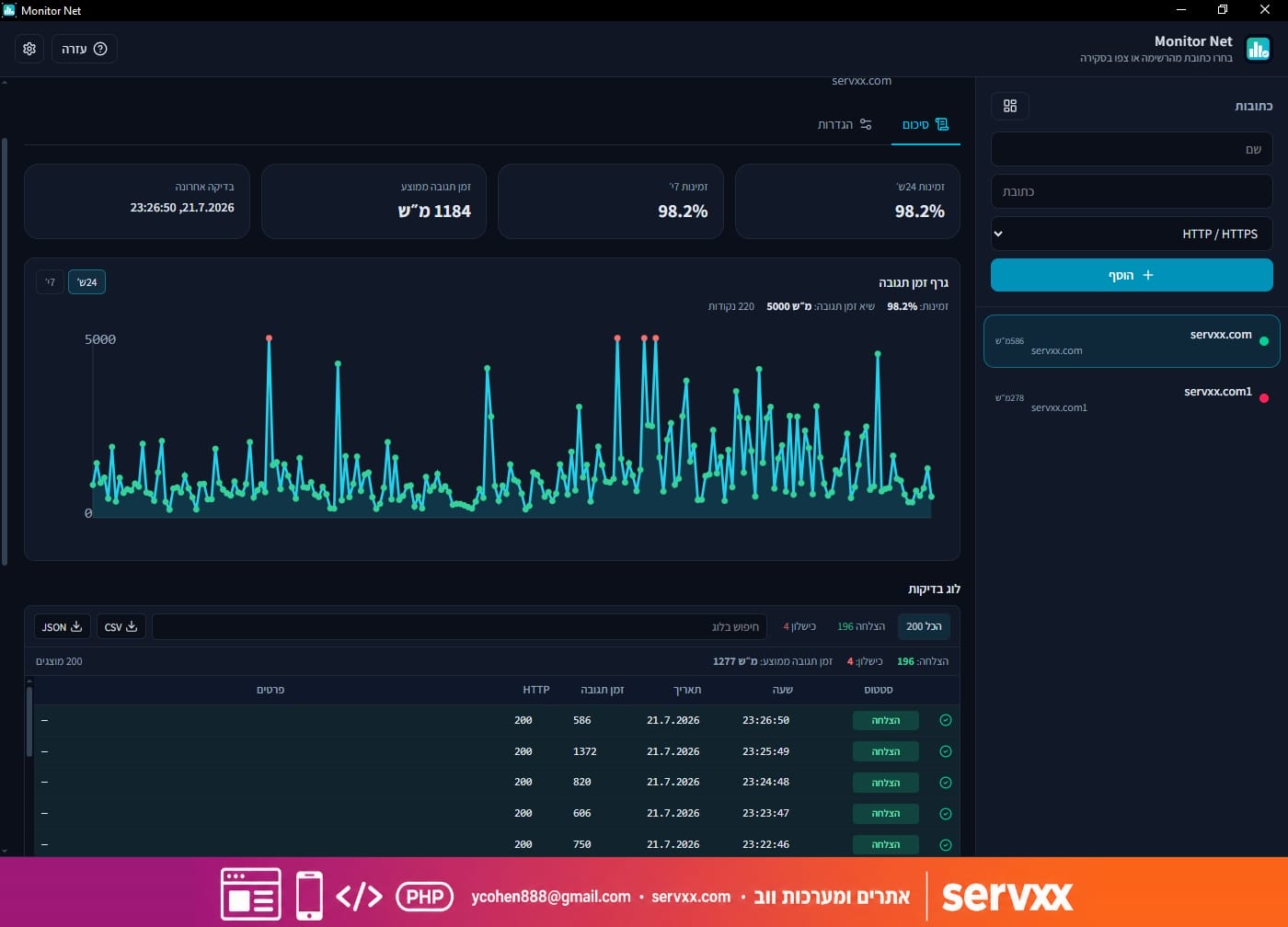
HTTP and TCP monitoring with Windows and email alerts when a host goes down.
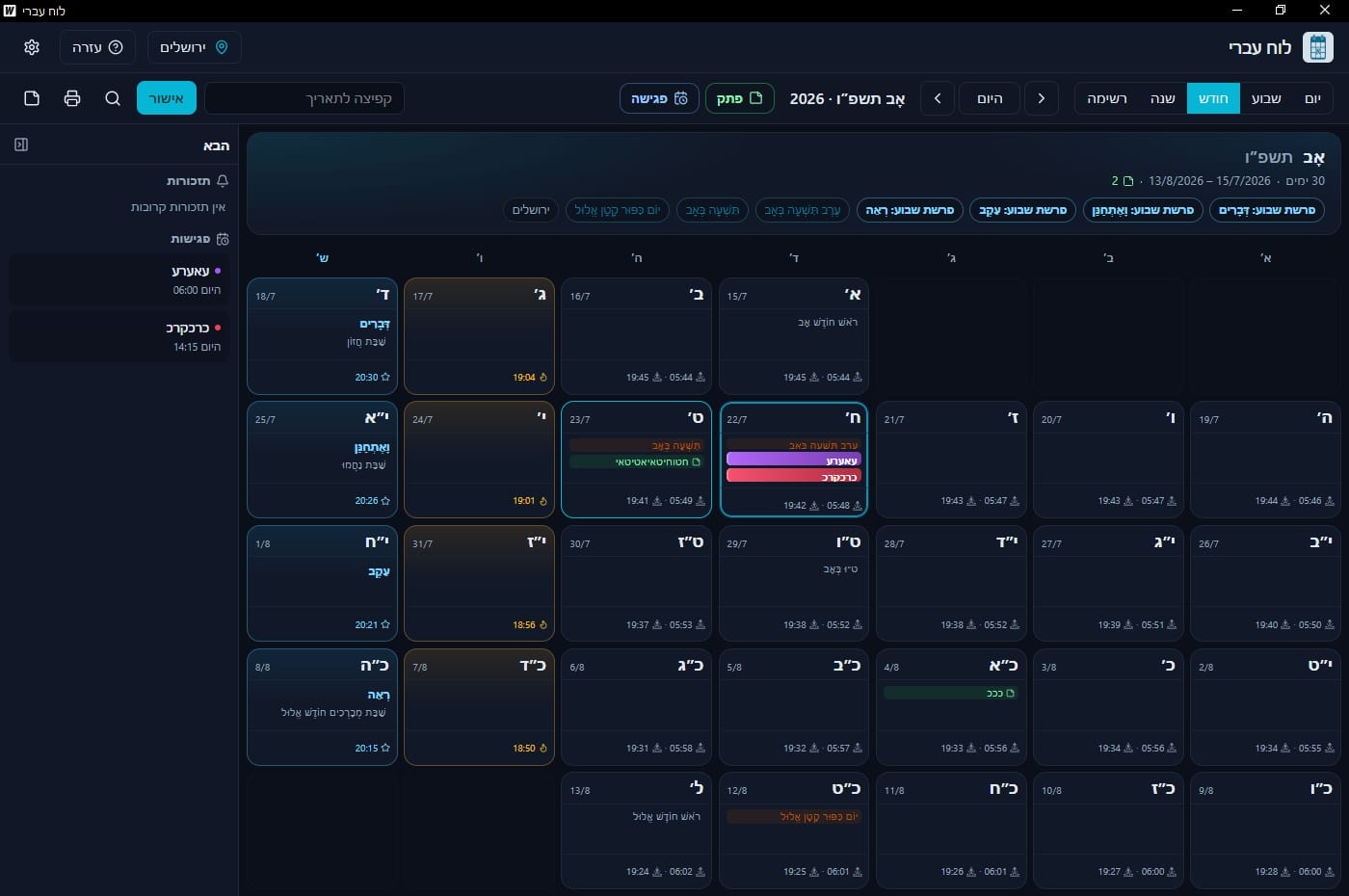
Hebrew calendar first: holidays, Shabbat times, notes, and meetings.
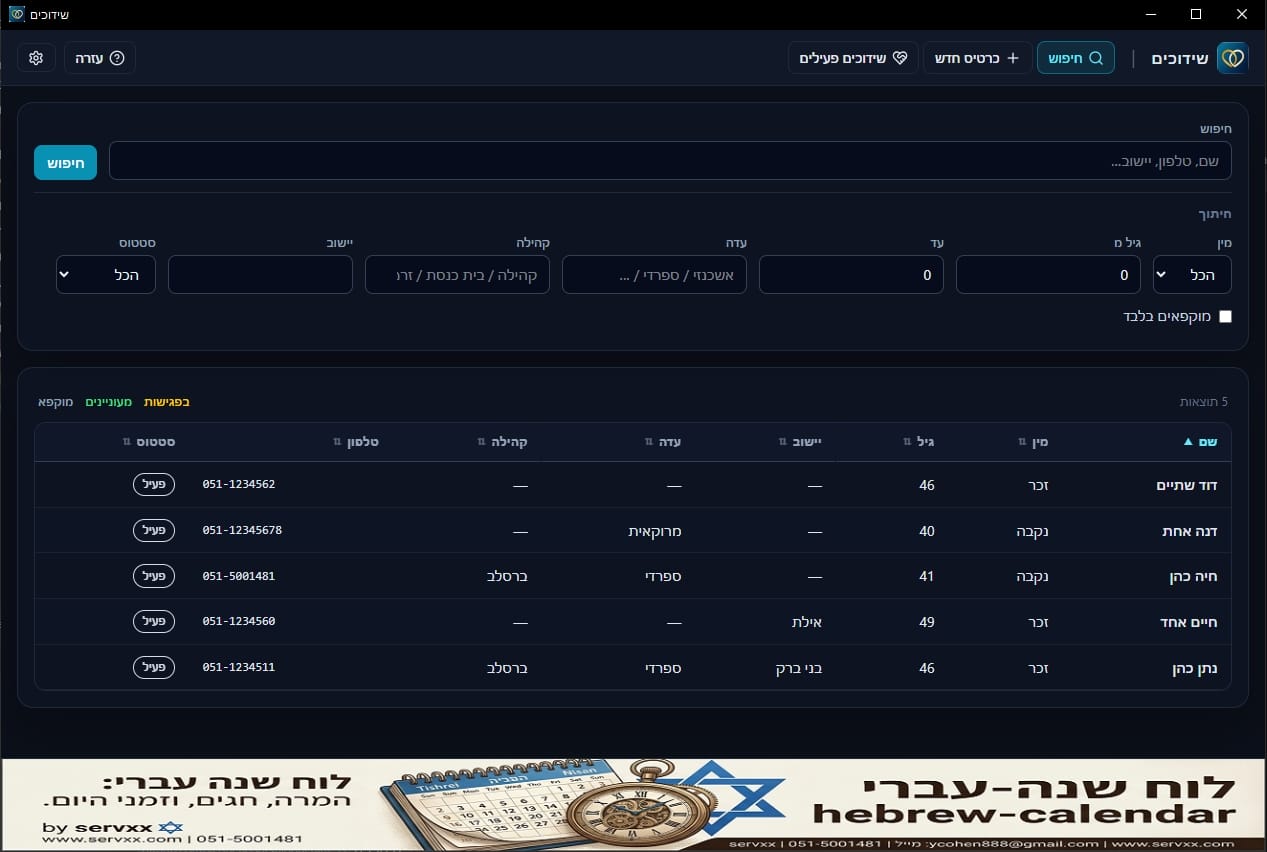
Matchmaker desktop app: cards, matches, meetings, and site sync.
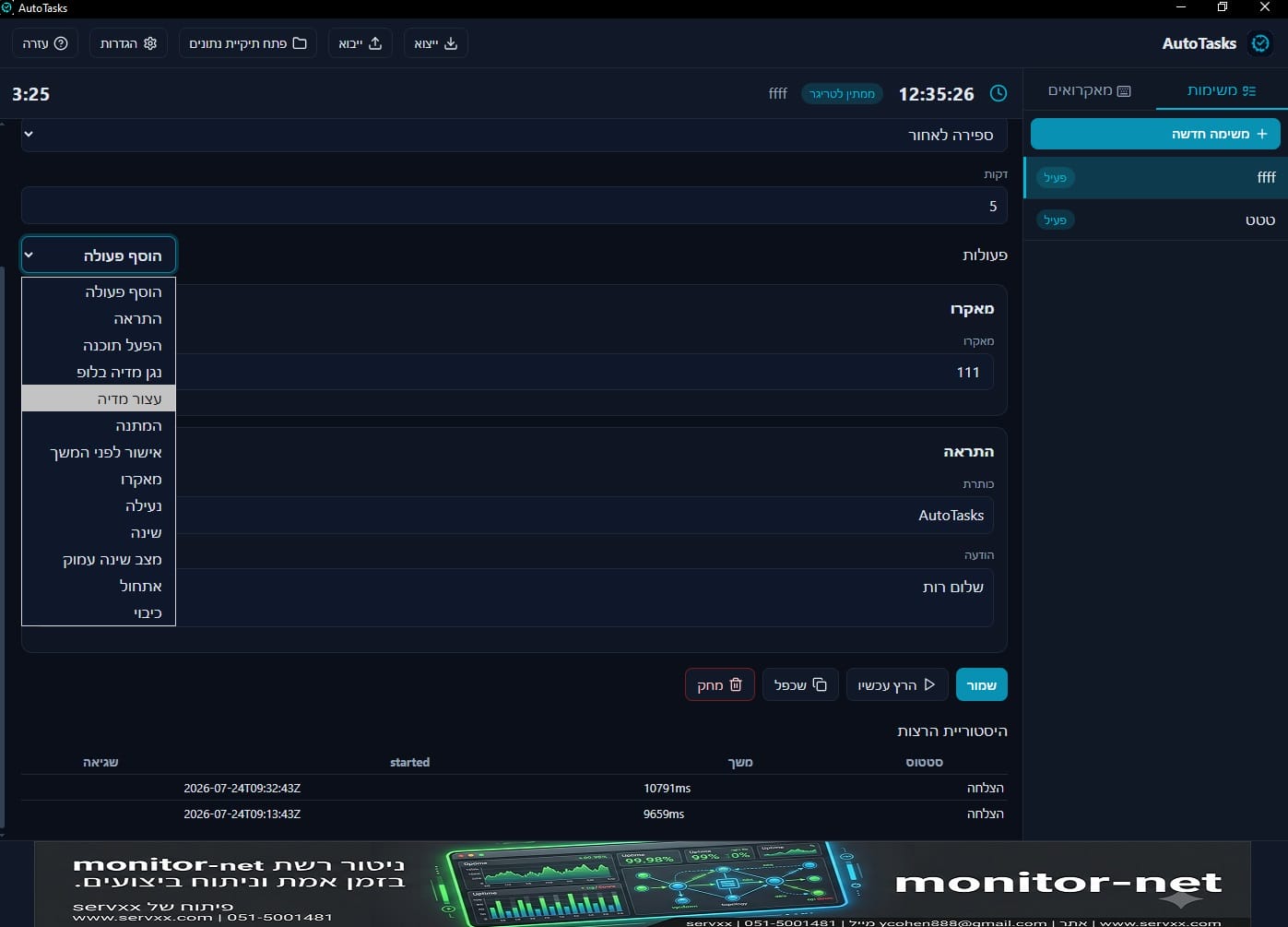
Automation: triggers, actions, macros, and schedules.
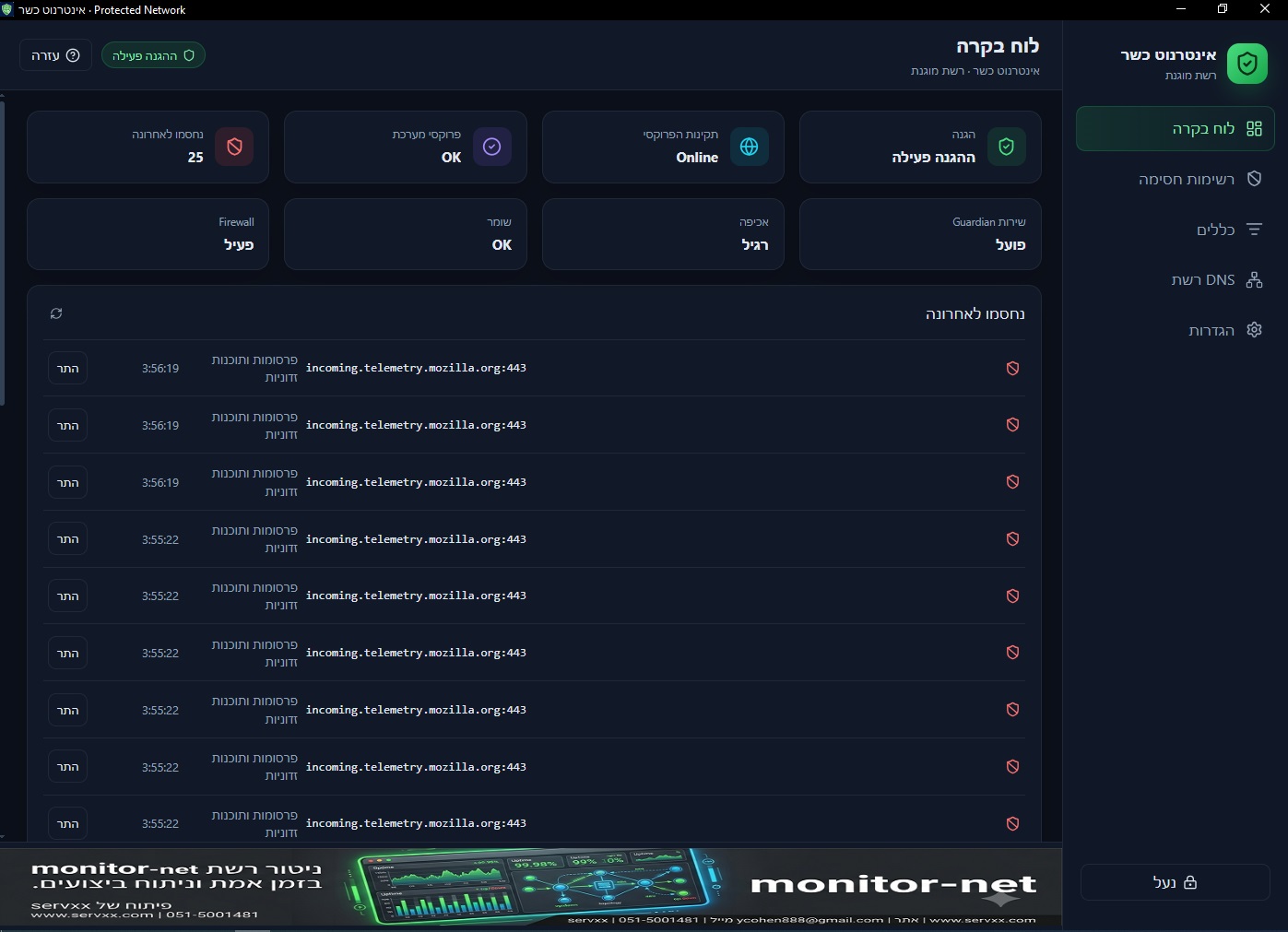
Protected network for home and business: block immodest sites, and YouTube/news by choice.
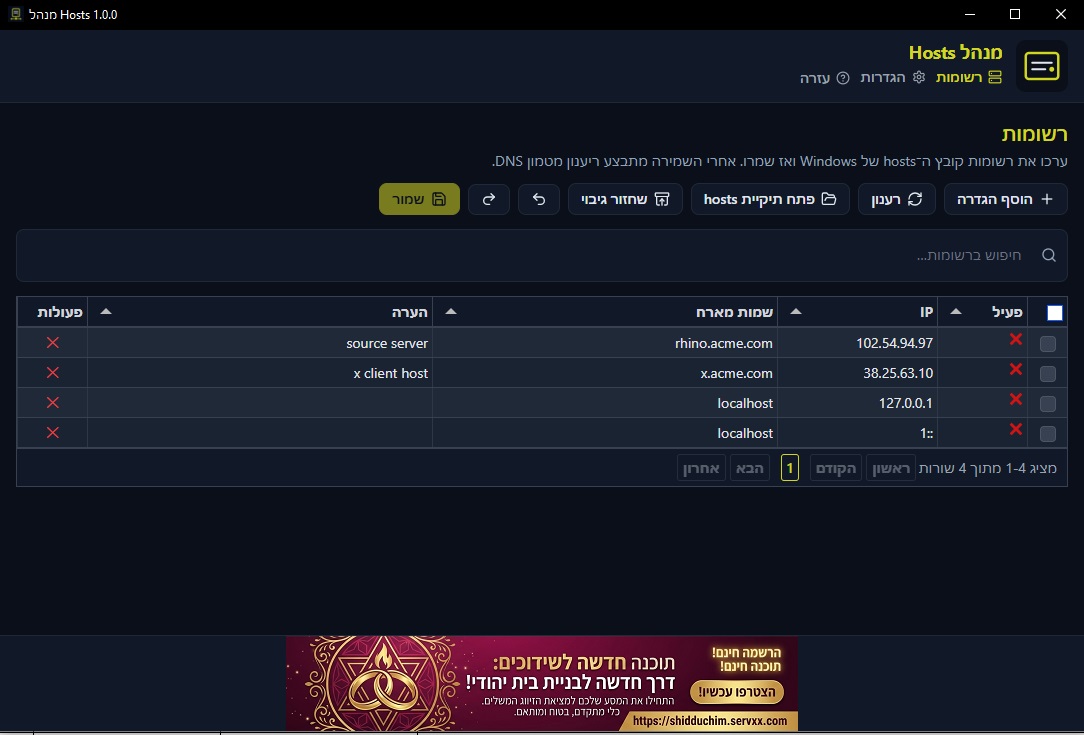
Manage the Windows hosts file in a table — edit, save, and flush DNS.
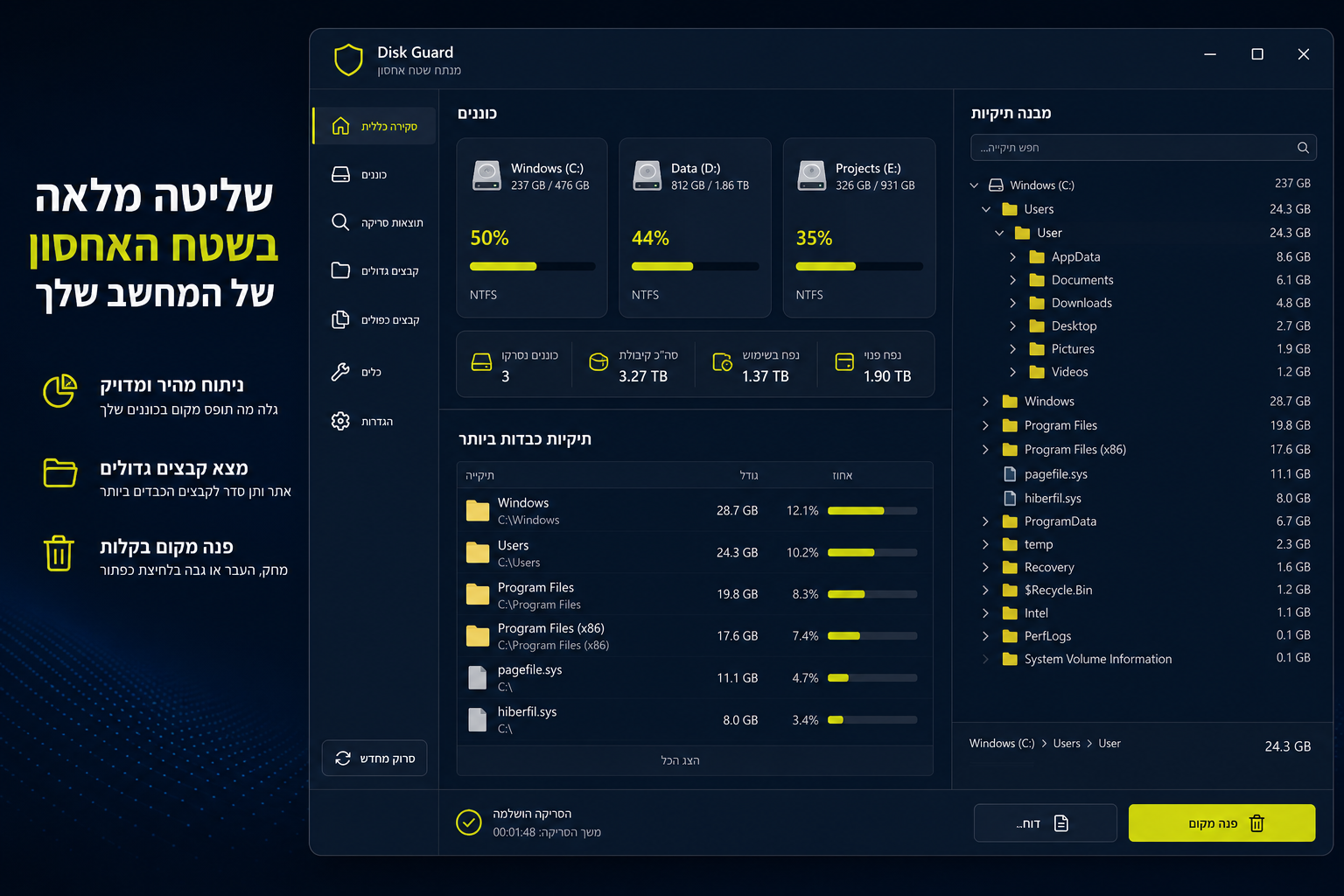
Disk monitor: scan, heaviest folders, and delete to the Recycle Bin.
A clear path from idea to a live system — with transparency at every step.
We clarify needs, users, and constraints — then define a clear solution with priorities.
We develop, test, and integrate — web, desktop, or hardware based on what the project really needs.
Updates, support, and ongoing improvements — so the system stays reliable after launch.
What guides every project and every app we publish.
Real RTL interfaces and Hebrew copy, with English when needed — not bolted on later.
Text direction, alignment, dates, and forms are designed for Hebrew first. The product feels natural for users in Israel — without late patches that break the UI.
Simple installs, stable performance, and daily usability — not just a demo.
We test installs, updates, and real usage paths. The goal is a tool you can open every day — without surprises or a long setup just to start.
Web, desktop, and hardware can live in one project — without juggling separate vendors.
When you need a server, a Windows app, and a smart device — the chain can be built in one place, with the same technical language and quality bar.
Updates, fixes, and improvements as needed — the system is not left alone on day two.
After go-live we keep supporting: bug fixes, usability improvements, and updates when the environment or requirements change.
Whether you need a custom system or a ready app — there is a clear starting point.
Management systems, internal workflows, and tools that connect people, customers, and data.
Free Windows apps for backup, monitoring, Hebrew calendar, matchmaking, and automation — no subscription.
When you need smart hardware with a management server, touch panels, and remote control under one system.
Backup App, Monitor Net, Hebrew Calendar, Shidduchim, AutoTasks, Internot Kasher, Hosts Manager, and Disk Guard — download for Windows from servxx.
Each app ships with a Hebrew UI (and English where available), a proper installer, and a product page with details. Download, install, and start within minutes.
Go to downloads
Tell us what you need — a web system, desktop app, smart home, or a mix. We will come back with a clear next step.
Share the need, timeline, and current environment in a few lines. Even if the idea is still rough — we will help sharpen it and suggest a practical direction.
Contact form