Downloads Monitor Net
Monitor Net — website and network monitoring
Check site and port availability, get Windows and email alerts, and track latency on the dashboard.
- Windows 10/11 (64-bit)
- Hebrew · English
- Free to download
What is it?
Monitor Net is a Windows app for continuous endpoint monitoring. It fits websites, APIs, and servers — HTTP/HTTPS checks or TCP connectivity to a port.
Each target gets its own interval, timeout, and failure threshold. When a target goes down or recovers you get a tray toast, and optionally an HTML email in Hebrew or English.
Key features
-
HTTP / HTTPS checks
GET/HEAD, expected status code, keyword match, and redirect following.
-
TCP checks
host:port checks for server or port availability.
-
Scheduling
Per-target check interval in seconds.
-
Failure threshold
Alert only after N consecutive failures — less false noise.
-
Windows alerts
Tray toasts when a target goes down or comes back.
-
Email alerts
Gmail / SMTP — HTML mail in Hebrew or English.
-
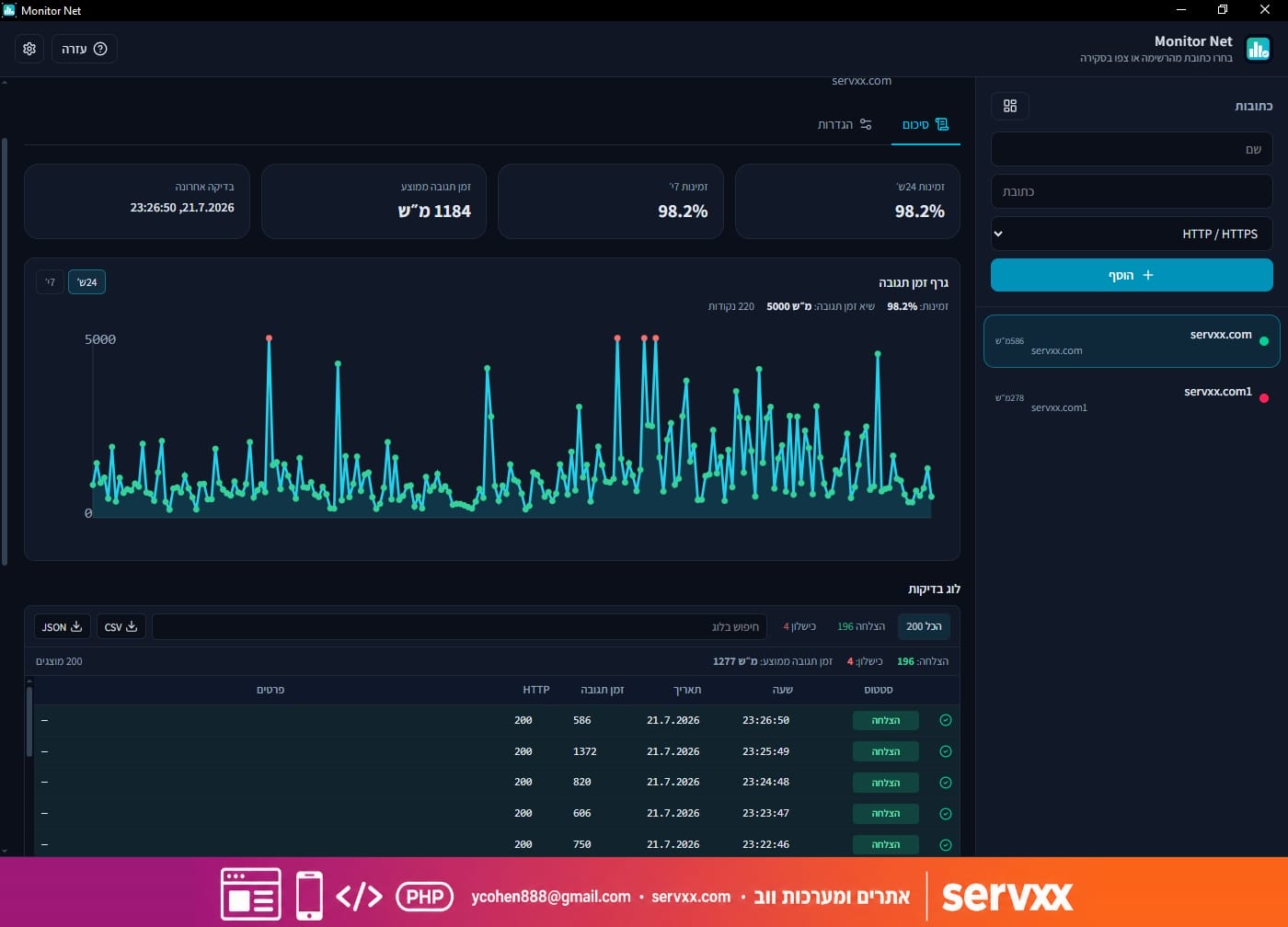
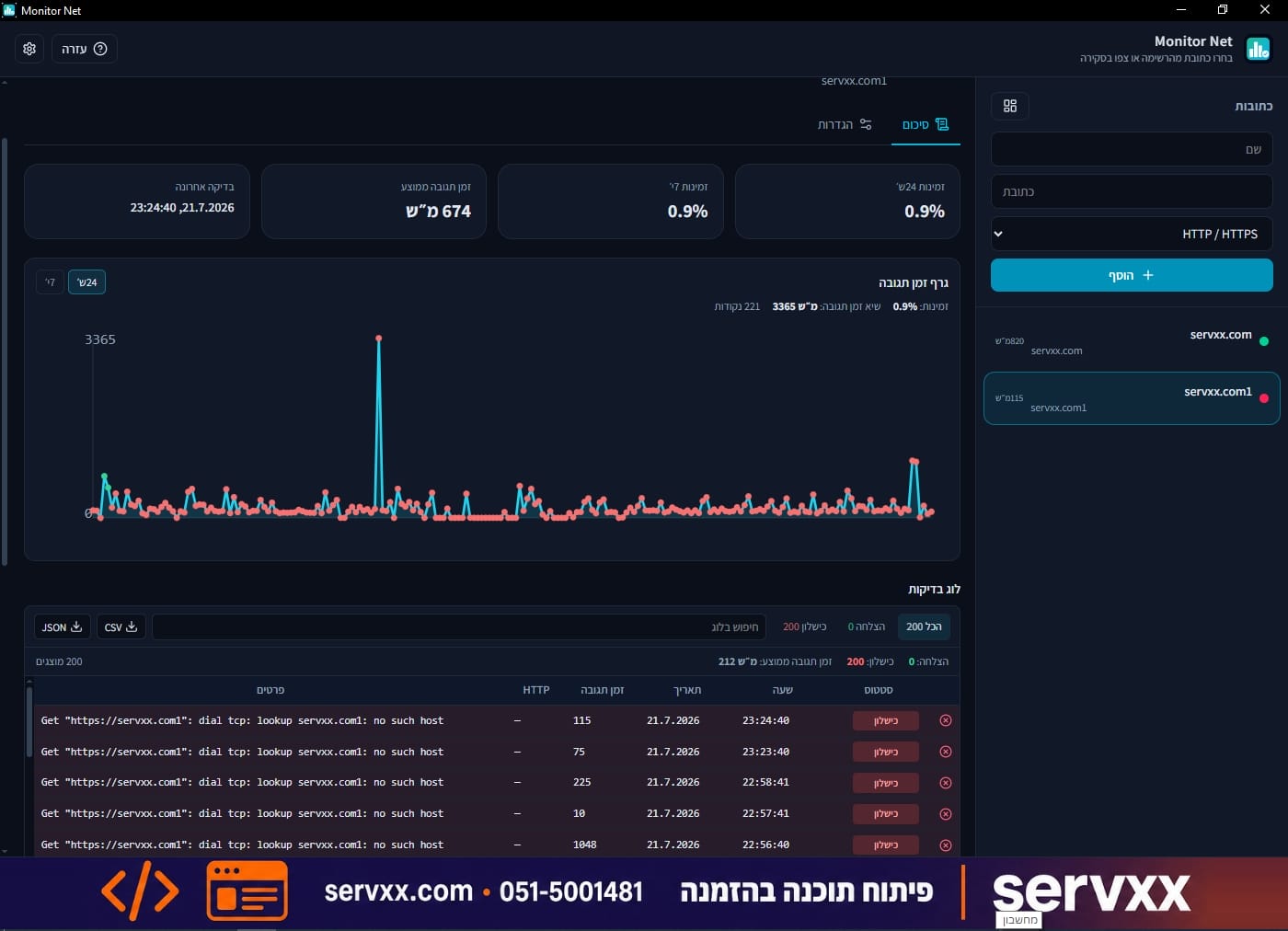
Dashboard and charts
Overview, check log, and latency chart.
-
Export
Export the check log to CSV or JSON.
Screenshots
Quick start
- 1. Click + and add an HTTP or TCP target.
- 2. Set interval, timeout, and failure threshold.
- 3. Run Check now or wait for the automatic cycle.
- 4. Follow status on the dashboard and in the log.
- 5. In general settings — enable email and send a test alert.
Tips
- For a critical target set failures-before-Down to 1 for instant alerts.
- For a flaky target raise the threshold to 3–5 to cut noise.
- With Gmail use an app password, not your account password.
- Allow Windows notifications for the app in system settings.
Requirements and data
- Windows 10 or 11, 64-bit · WebView2 (installed automatically if missing)
- Network access for HTTP/TCP checks and email alerts
Settings and check history live under %AppData%\monitor-net\
Ready to monitor?
Download the installer from GitHub Releases and add your first target.